You can scrape ZARA, H&M and ASOS product data with Python by reading the JSON each site loads in the background, or by parsing product pages with a headless browser. Expect 20 to 40 developer hours per site to build a working scraper, plus ongoing fixes every time a site changes its layout or bot protection.
If you need the data once, or need it this week, buying a ready fashion product dataset is usually faster and cheaper than building three scrapers.
ZARA, H&M and ASOS are three of the most scraped fashion sites in the world. Pricing teams use the data to track competitors. ML teams use it to train recommendation and image models. Market researchers use it to compare assortments across regions.
Below: how each site loads its product data, the fields worth collecting, what will block you, and what scraping costs compared with buying.
What product data you can extract from ZARA, H&M and ASOS
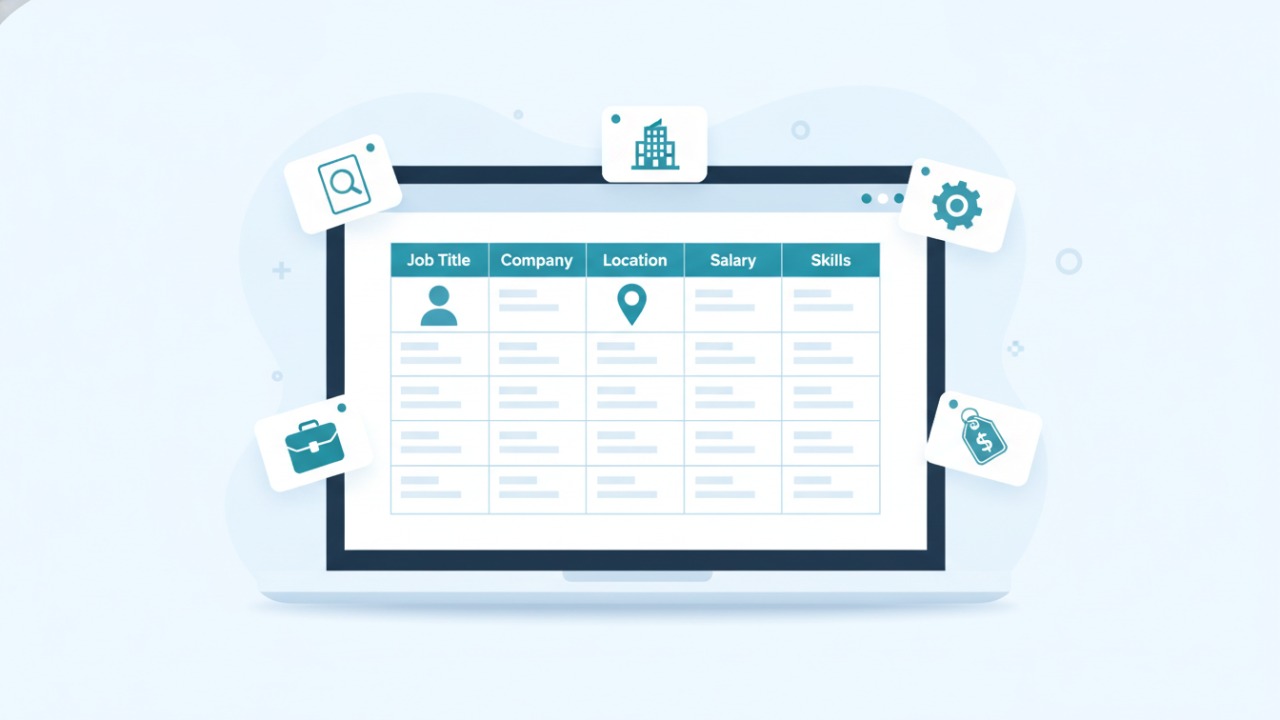
All three sites show the same core product fields on their public pages. Field names and availability differ by site and by region.
|
Field |
Example value |
Common use |
|---|---|---|
|
product_name |
Oversized linen shirt |
Catalogue matching, search |
|
sku / product_id |
04391218 |
Deduplication, tracking over time |
|
brand |
ZARA |
Brand comparison |
|
price |
29.99 |
Price monitoring |
|
original_price |
39.99 |
Markdown tracking |
|
discount_pct |
25 |
Promotion analysis |
|
currency |
USD |
Cross-region comparison |
|
sizes |
XS, S, M, L, XL |
Size range analysis |
|
availability |
In stock / Low stock |
Demand and stockout signals |
|
color |
Ecru |
Trend and colour analysis |
|
category / breadcrumbs |
Woman > Shirts |
Assortment mapping |
|
product_description |
100% linen, relaxed fit |
Attribute extraction, NLP |
|
material_composition |
100% linen |
Sustainability and quality research |
|
images |
Image URLs |
Computer vision, visual search |
|
avg_rating, reviews_count |
4.3, 182 |
Sentiment and quality (ASOS shows ratings; ZARA does not) |
|
url, scraped_at |
Page URL, timestamp |
Audit trail, freshness |
If you only need these fields, check a ready fashion dataset CSV first. Most pre-crawled fashion datasets already include every column above.
Is it legal to scrape ZARA, H&M and ASOS?
Scraping publicly visible product data (names, prices, stock) is a common business practice, but it isn't risk-free. The answer depends on your country, the site's terms of service, and what you do with the data.
Check these four things before you write any code:
- Terms of service. Most retailers ban automated access in their terms. Breaking them can lead to account bans, IP blocks or, in rare cases, legal claims.
- robots.txt. Open
zara.com/robots.txt,hm.com/robots.txtandasos.com/robots.txt. Respect the disallowed paths and any crawl delay. - Personal data. Never collect reviewer names, profiles or anything that identifies a person. In the EU and UK, GDPR applies even to public personal data.
- Copyright. Product images and long descriptions belong to the retailer. Using them to train internal models is different from republishing them on your own site.
This isn't legal advice. If the data feeds a commercial product, get a lawyer to review your use case. Buying from a provider that collects data responsibly moves much of this work off your plate.
How to scrape ZARA product data
ZARA builds its pages with JavaScript, so a plain HTML request often returns little product data. The fastest route is to find the JSON the site loads in the background.
Step 1: Find the product JSON
- Open a ZARA category page in Chrome (for example, Woman > Dresses).
- Press F12, open the Network tab and filter by Fetch/XHR.
- Scroll the page. Look for requests that return product lists in JSON (names, prices, IDs, colours).
- Note the request URL pattern and the parameters for category and page.
This JSON is cleaner than HTML and changes less often than the page design.
Step 2: Collect it with a headless browser
ZARA's bot protection often blocks simple scripts. A headless browser such as Playwright loads the page like a real visitor and lets you capture the same JSON responses.
import json, time
from playwright.sync_api import sync_playwright

CATEGORY_URL = "https://www.zara.com/us/en/woman-dresses-l1066.html"
products = []

def handle_response(response):
    # Keep only JSON responses that look like product lists
    if "application/json" in response.headers.get("content-type", ""):
        try:
            data = response.json()
            if "products" in json.dumps(data)[:5000]:
                products.append(data)
        except Exception:
            pass

with sync_playwright() as p:
    browser = p.chromium.launch(headless=True)
    page = browser.new_page()
    page.on("response", handle_response)
    page.goto(CATEGORY_URL, wait_until="networkidle")
    for _ in range(10):  # scroll to load more products
        page.mouse.wheel(0, 3000)
        time.sleep(2)  # stay slow and polite
    browser.close()

with open("zara_raw.json", "w") as f:
    json.dump(products, f)
Step 3: Clean and flatten
The raw JSON is nested. Flatten it into one row per product and colour, then export to CSV with pandas. Keep the product ID and a scraped_at timestamp so you can track price changes over time.
ZARA-specific notes
- Each country store (US, UK, IN) has its own URLs, prices and currency. Scrape each region separately.
- One product can have several colour variants with different stock levels. Decide early whether a row is a product or a variant.
- ZARA changes its category IDs and JSON structure every few months, so plan for maintenance.
Don't want to maintain a ZARA scraper? The ZARA US dataset has 14,000 product records and the ZARA UK dataset has 10,000, both in CSV or JSON.
How to scrape H&M product data
H&M product pages usually carry structured data in the HTML, which makes single-product scraping simpler than ZARA. Category pages still load more products as you scroll, so you'll need the same network-request approach for listings.
Step 1: Check for structured data
Open any H&M product page, right-click and choose View page source. Search for application/ld+json. If it's there, it holds the product name, price, currency, image and availability in clean JSON (schema.org Product format).
import json
from bs4 import BeautifulSoup

def parse_product(html):
    soup = BeautifulSoup(html, "html.parser")
    for tag in soup.find_all("script", type="application/ld+json"):
        data = json.loads(tag.string or "{}")
        if isinstance(data, dict) and data.get("@type") == "Product":
            offer = data.get("offers", {})
            if isinstance(offer, list):
                offer = offer[0]
            return {
                "product_name": data.get("name"),
                "sku": data.get("sku"),
                "price": offer.get("price"),
                "currency": offer.get("priceCurrency"),
                "availability": offer.get("availability"),
                "image": data.get("image"),
            }
    return None
This parser works on most fashion sites that publish Product schema, not only H&M. Get the HTML with Playwright (as in the ZARA example) if a plain request is blocked.
Step 2: Collect product URLs from category pages
Use the Network tab to find the request that loads more products as you scroll. Collect product URLs from it, then run parse_product on each URL with a delay of a few seconds between requests.
H&M-specific notes
- H&M runs separate stores per country (for example
www2.hm.com/en_usandwww2.hm.com/en_in). Prices, ranges and sizes differ. - Structured data often leaves out sizes, stock per size and material. You'll need the page's own JSON or HTML for those fields.
- Fast fashion catalogues turn over quickly. A weekly crawl misses short-lived products, so set your crawl frequency to match your use case.
How to scrape ASOS product data
ASOS is a marketplace with tens of thousands of products from hundreds of brands. That makes it the most useful of the three for multi-brand research, and the heaviest to crawl.
Step 1: Use the search and category JSON
ASOS category and search pages load products through background JSON requests. Find them in the Network tab the same way as for ZARA. They usually support paging parameters (offset and limit), so you can walk a full category without scrolling a browser.
Step 2: Get product details
Listing JSON gives you name, price, brand, colour and image. For description, material, sizes and stock, request each product page and parse its structured data with the parse_product function above, or the product JSON the page loads.
Step 3: Add ratings
ASOS shows customer ratings on many products. Ratings and review counts are useful for quality and sentiment work. Collect the score and count only, and skip reviewer names.
ASOS-specific notes
- One category can hold several thousand products. Budget for thousands of requests per full crawl.
- Products carry both the ASOS brand and third-party brands. Store
brandas its own column so you can filter. - Prices change by store (UK, US, EU, AU) and currency. Lock your store and currency settings before crawling.
For a ready multi-brand file, the ASOS fashion product dataset includes names, prices, categories, colours and descriptions with a free sample.
Common problems when scraping fashion websites
Most fashion scrapers break during maintenance, weeks after the first build. These are the problems you'll hit most often.
|
Problem |
What happens |
How to handle it |
|---|---|---|
|
JavaScript rendering |
Plain requests return empty product grids |
Capture background JSON or use Playwright |
|
Bot protection |
Requests get blocked or served a challenge page |
Slow down, use a real browser, respect robots.txt. Repeated blocks mean the site doesn't want automated traffic |
|
IP rate limits |
403 or 429 errors after a few hundred requests |
Add delays, crawl off-peak, spread a crawl over hours |
|
Layout and JSON changes |
Scraper runs but returns blank fields |
Add field checks and alerts so you notice within a day |
|
Regional stores |
Mixed currencies and duplicate products |
Crawl one store at a time and store currency per row |
|
Product variants |
One product appears 5 times (one per colour) |
Decide on product-level or variant-level rows up front |
|
Fast catalogue turnover |
Products disappear before your next crawl |
Crawl more often, or buy historical snapshots |
The last row matters more than it looks. You can't scrape last season's prices today. If your analysis needs history, a dataset collected over time is the only option.
Scrape or buy: which costs less?
For a one-time snapshot of ZARA, H&M and ASOS, buying a fashion dataset download is usually cheaper once you count developer time. Building your own scraper makes sense when you need custom fields, daily updates and have engineers to maintain it.
The figures below are typical estimates for three retailers. Your numbers will vary with team rates and crawl size.
|
Factor |
Build your own scraper |
Buy a fashion dataset |
|---|---|---|
|
Time to first data |
2 to 6 weeks |
Same day (instant download) |
|
Initial build |
60 to 120 developer hours (20 to 40 per site) |
None |
|
Ongoing maintenance |
5 to 15 hours per month |
None for one-time; included for recurring feeds |
|
Infrastructure |
Servers, headless browsers, proxies if allowed |
None |
|
Data cleaning |
Your team |
Delivered clean in CSV or JSON |
|
Historical data |
Only from the day you start |
Past snapshots available |
|
Custom fields |
Full control |
Custom scrape on request |
|
Legal and ToS review |
Your responsibility |
Handled by the provider's collection process |
For a full breakdown of scraping costs, read our guide on web scraping data cost.
Buy a dataset when:
- You need data from more than one retailer this month.
- It's a one-time project: a market study, a pitch, a model prototype.
- You need historical prices or products that are no longer listed.
- You don't have a developer free to fix the scraper every few weeks.
Build a scraper when:
- You need daily or hourly price changes on a few hundred products.
- You need fields no dataset includes.
- You have engineering time and a clear legal sign-off.
A middle path works for many teams. Start with a fashion dataset download to test your analysis or model, then decide if a custom recurring feed is worth it.
Get ZARA, H&M and ASOS data without the scraper
Scraping ZARA, H&M and ASOS is doable with Python, the Network tab and a headless browser. Keeping three scrapers running every month is the expensive part.
If you need clean product data now, CrawlFeeds has pre-crawled fashion datasets from 15+ retailers, including ZARA, H&M, ASOS, Nike and Farfetch. Every dataset comes in CSV or JSON with a free sample, and first-time buyers get 20% off.
- Browse the fashion dataset collection
- Need specific fields, regions or weekly updates? Request a custom scrape
Frequently Asked Questions
Looking for a dataset?
Browse hundreds of pre-built datasets from CrawlFeeds — ecommerce, reviews, fashion, news, and more. Free samples on every dataset.
Browse datasets Custom data request