Scraping images from Amazon seems easy — until you actually try. You realize very quickly: there’s more going on under the surface. Hover effects, hidden zoom images, color swatches, and IP blocks make bulk extraction far harder than it looks.
Yet, for teams in retail, beauty, computer vision, and eCommerce, having structured, high-resolution images is crucial. Whether you're building a price tracker, training an AI model, or running a product aggregator, you need more than just URLs — you need quality, context, and organization.
That’s where Crawl Feeds comes in.
We extract millions of product images from Amazon and other major retailers — delivering them to you with schema, categories, subcategories, pricing, and local file paths.
Let’s break down:
-
Why scraping Amazon images manually doesn't scale
-
Why high-resolution product images are essential across industries
-
How Crawl Feeds handles extraction, cleanup, and structuring
-
What’s inside our Amazon product dataset
Why Manual Image Scraping from Amazon Fails
Most people start by trying to scrape or download Amazon images manually. That usually ends in frustration.
1. Dynamic, JS-Rendered Content
Amazon heavily relies on JavaScript. Most images — especially zoom or alternate views — are not in the raw HTML and only appear on hover or scroll.
2. Multiple Image Types per Product
You’re not just after the main product photo. You likely need:
-
Swatches (colors or sizes)
-
Alternate angles
-
Lifestyle shots
-
Zoom images
-
360° rotations
Manually capturing all of these per product variant is impractical.
3. Inconsistent Resolutions and Watermarks
Amazon optimizes images based on device and browser. So right-clicking an image usually gives you:
-
A compressed or resized version
-
Often with watermarks or overlays
-
Not suitable for AI or detailed retail analysis
4. No Categorization or Metadata
If you manage to collect 1,000 images, what do you have? A folder full of image123.jpg, main1.jpg, and no idea which brand, product, or category they belong to.
Without structured schema, you can’t use the data in:
-
Retail catalogs
-
Training datasets
-
Image search tools
-
Dashboards or analysis
5. Bot Protection
Amazon’s anti-scraping systems flag repetitive or high-volume activity. Without rotating proxies, headless browsers, and retry logic, your scraper will be blocked, redirected, or served empty content.
Why High-Quality Images Matter — Especially on Amazon
Visuals are more than marketing — they’re decision-drivers.
-
In beauty, packaging and color shade determine conversion.
-
In fashion, alternate views or swatches build trust.
-
In consumer electronics, box shots, ports, and accessories all matter.
-
In AI training, crisp images are essential for recognition accuracy.
Low-resolution, misaligned, or poorly named images create more work downstream — from manual labeling to mismatched predictions.
How Crawl Feeds Solves Amazon Image Extraction
At Crawl Feeds, we’ve built a purpose-built system for image extraction from eCommerce giants like Amazon, Target, Walmart, and others. Our infrastructure is tuned for reliable, scalable, high-resolution extraction, including product metadata and organization.
✅ High-Resolution Image Downloading
We extract full-resolution versions — not the lazy-loaded or resized ones shown to browsers.
We pull:
-
Main images (max resolution)
-
All alternate views
-
Zoomed-in images (for fine detail)
-
Swatches and variants
-
Clean formats (JPG, PNG)
✅ Structured Metadata (with Image Paths)
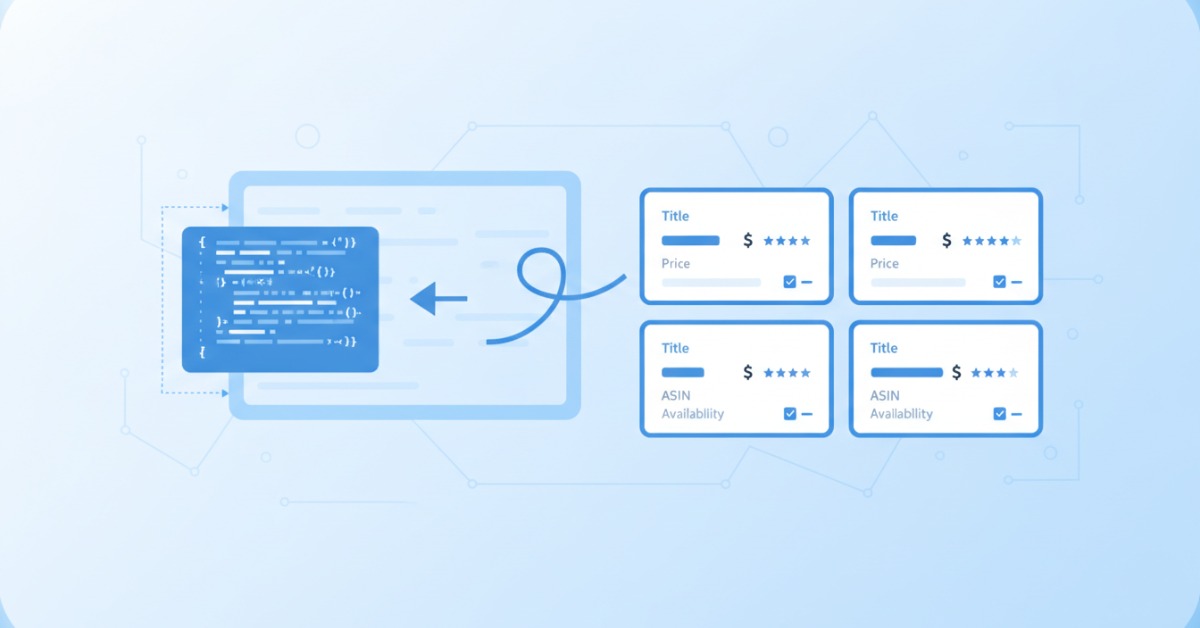
Images are only useful when they’re connected to structured product data. Every product in our datasets includes:
-
ASIN (or unique product ID)
-
Title, brand, description
-
Pricing and discounts (if available)
-
Rating, reviews count
-
Category and subcategory
-
Downloaded image file paths (local storage, not just URLs)
Example schema (JSON snippet):
Looking for a dataset?
Browse hundreds of pre-built datasets from CrawlFeeds — ecommerce, reviews, fashion, news, and more. Free samples on every dataset.
Browse datasets Custom data request